



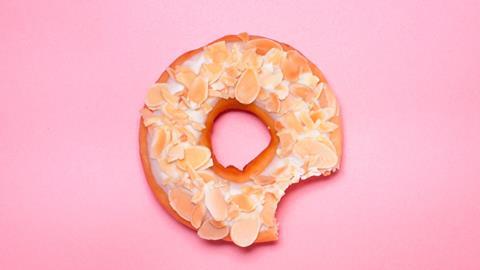
Full browser-width images
For inline images, there is the ability to have the image scale to the full width of the browser window. With this option selected you then have the choice to overlay the image caption in several locations, see below:
- Default – follows the same current style of image captions sitting below the image
- Left – positions the caption text over the image on the left-hand side
- Centre – positions the caption text over the image in the middle
- Right – positions the caption text over the image on the left-hand side
- Remove caption – does not display the caption with the image
At mobile screen sizes, the image is not cropped and defaults back to a standard inline-image layout.
Items to note:
- Source and source link text will always display in the bottom right-hand corner on the image.
- The source link will not be clickable. We recommend crediting images separately at the bottom of your article.
- Editing the image caption in the right-hand column list of images in the editor will not affect the image already placed inline.
- Image titles will not display.
- The ‘Full browser width’ style will only work if the story layout width option of ‘full’.
Longform content recipe book - introduction
Lorem ipsum dolor sit amet, consectetur adipiscing elit. Integer congue lectus quis mauris hendrerit, laoreet pellentesque tellus posuere. Nulla mauris velit, ullamcorper at…
- 1
- 2
- 3
 Currently
reading
Currently
reading
Longform content recipe book - full browser-width images
- 5
- 6


